



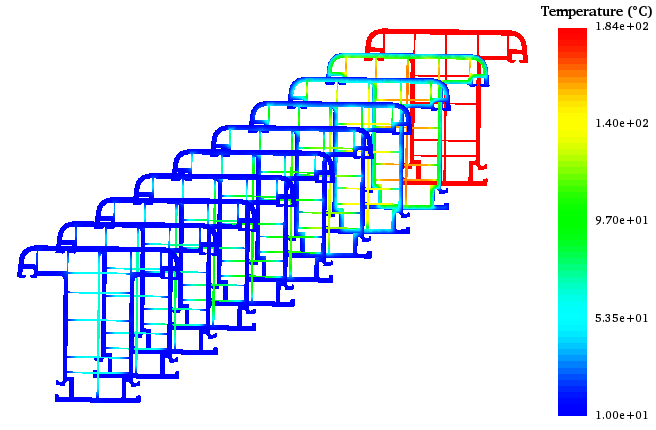
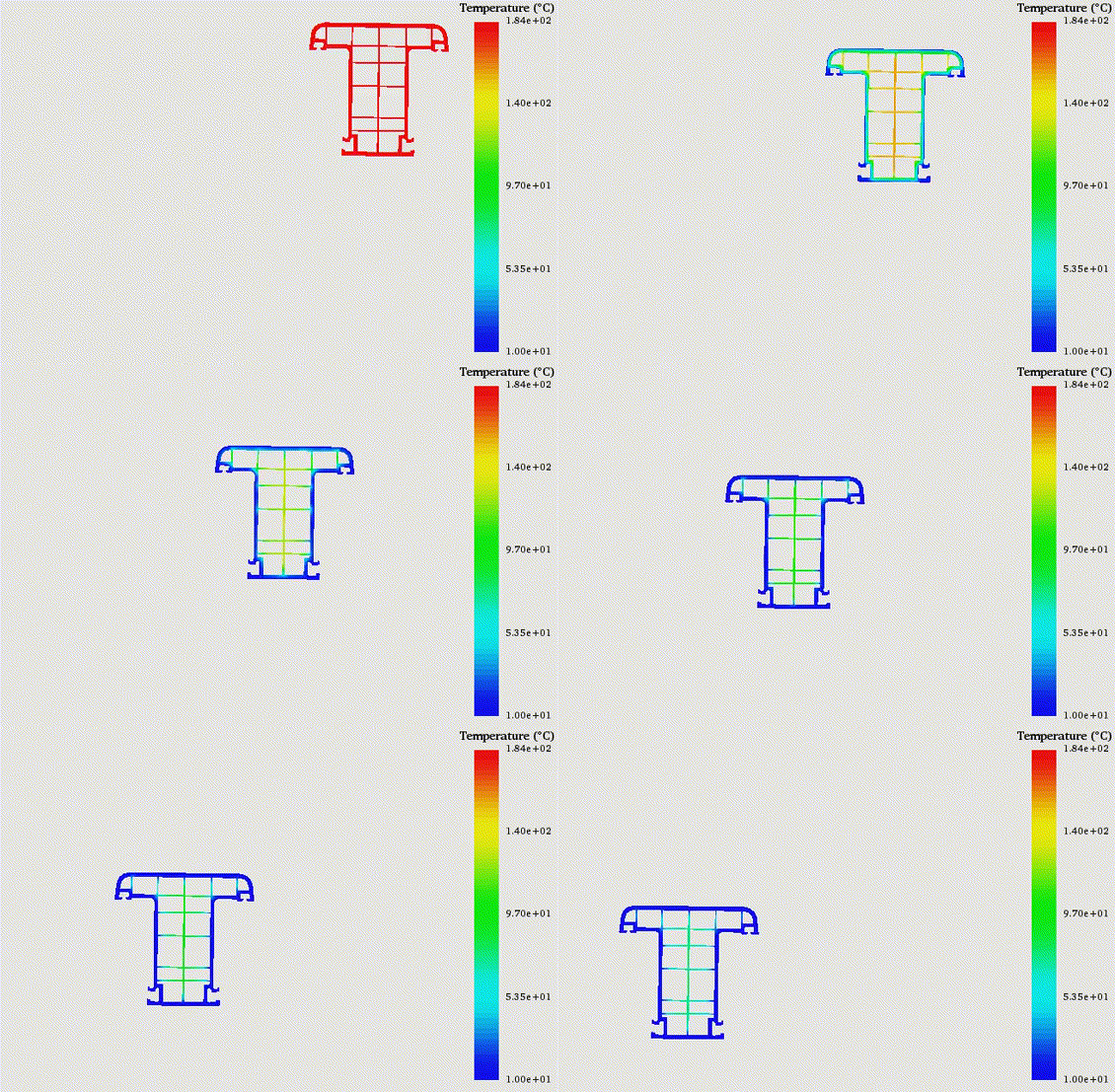

Maximizing the extrusion speed for a given profile and cooling line configuration is crucial for maximizing profit. To help with this goal, the coolXtrue software from Plastic Flow quickly determines the polymer temperature through the complete extrudate and optimizes the extrusion speed for the required extrudate temperature at the end of the cooling line.
- 3D Analysis - The extrudate temperature predicted by coolXtrue is based upon a full three-dimensional finite element analysis of the heat transfer equation, assuring accuracy of the predicted temperature distribution.
- Coextruded Polymer Cooling - Simulate cooling of up to 11 different polymers in a single profile, with any number of interfaces between layers.
- Cooling Shrinkage - Determine distortion in the extruded profile due to cooling shrinkage.
- Metal Cores - Predict temperature and shrinkage including solid metal cores moving with the extrudate.
- Adjustable Cooling Line Configurations - Cooling lines in coolXtrue are divided into the following zones with the ability to set specific cooling conditions for each individual zone:
- Up to 10 zones before the first calibrator/vacuum-sizer.
- Up to 20 different calibrators/vacuum-sizers.
- Two customizable zones between adjacent calibrator/vacuum-sizer.
- Up to 10 zones after the last calibrator/vacuum-sizer.
- Each non-calibrator zone can be cooled by air, water, or water spray.
Highly intuitive user interface for new users to get up to speed in less than a day.
- Graphs - Graph temperature along the cooling line at selected points on the profile, or across the profile at fixed cross sections.
- Points of Interest - Find the hottest and coldest points along the cooling line and track the temperature at selected points on the profile as they move along the cooling line.
- Side-by-Side Comparisons - See the temperature distribution at the ends of selected zones side-by-side.
- Animated Views - See the changes in the temperature distribution as the cross-section moves through various temperature zones along the cooling line.
- Interactive 3D View - Move, zoom, and rotate the 3D image of the temperature distribution on the outside surface or through various cross-sections of the extrudate.
- Shrinkage Analysis - Multiple ways to analyze the change in extrudate profile due to cooling shrinkage.
- Overlaying exit and end of extrudate profiles.
- Color-coded thickness deviation along the edges of the exit profile.
| coolXtrue v/s polyXtrue | |||||||||||||||||||||
|---|---|---|---|---|---|---|---|---|---|---|---|---|---|---|---|---|---|---|---|---|---|
|
© 2026-2030 Plastic Flow, LLC. All Rights Reserved.